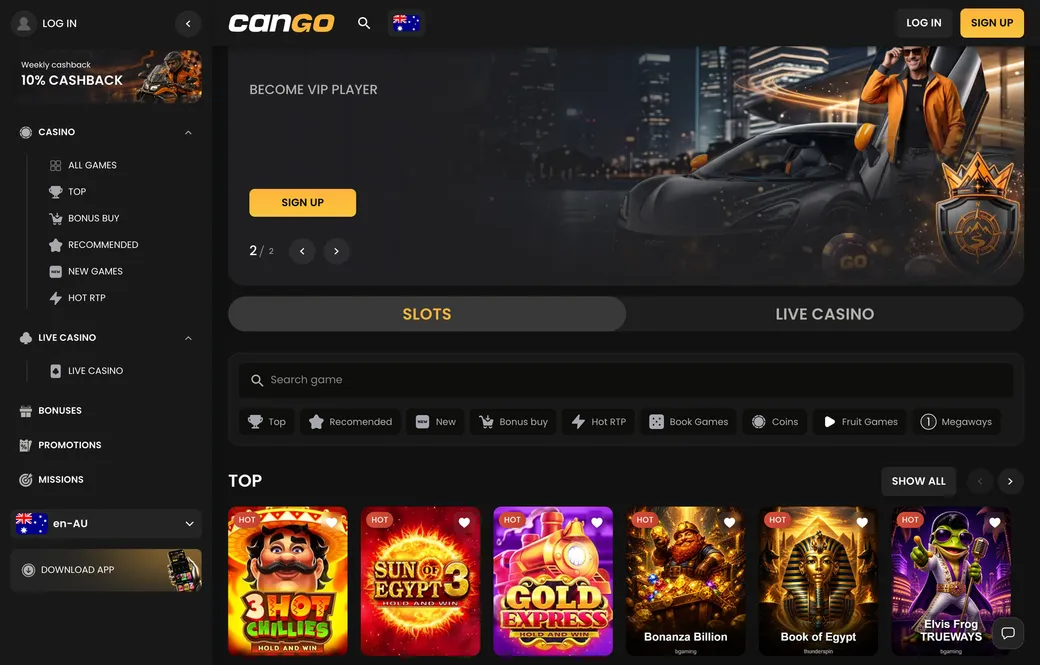

Cango casino login: login at a glance
| Step | What to press | Common issue |
|---|---|---|
| 1. Open the site or the PWA | The Cango icon on your home screen or the casino page in the browser | A VPN running in the background |
| 2. Start the sign-in | The Log in button in the header | Unstable mobile connection |
| 3. Enter details | Email and password, or Continue with Google | Caps Lock on or a typo in the password |
| 4. Confirm | Log in | Account locked after several failed attempts |
| 5. Forgotten password | The “Forgot password” link under the form | Reset email in the spam folder |
The Cango login is the step between you and the dashboard with real-money play and bonus tracking. Once you have registered, signing in only needs your email and a password of at least eight characters, or your Google account. Turn off any VPN first: the casino bans them, and a VPN connection is one of the most common reasons a correct password still fails. Most other problems are small input errors or an old browser cache. Clearing cookies or trying another browser often fixes it at once, and if not, live chat answers 24/7, usually within about two minutes.
Keeping the Cango account secure is part of the routine. Never share the password, and always sign in from the real casino page or the PWA shortcut you installed yourself, not from a link in a random message. Cango has no native app in the stores, so the login works the same in a mobile browser, in the PWA and on desktop. After sign-in you land in the lobby with the currency you picked at registration, AUD for most Australian players, which cannot be changed. Staying signed in on your own phone is convenient, but log out on a shared or public computer.
If the account is locked after several wrong passwords, use the reset link rather than guessing again, then wait for the email. It usually arrives within a few minutes; check the spam and promotions folders before you request a second one, because each new request makes the previous link invalid. Choose a new password you have not used on other sites, at least eight characters long.
Two devices at once are fine for one person, for example the PWA on your phone and the desktop site at home. Two people sharing one account, or one person with two accounts, breaks the rules and can freeze the balance at the first withdrawal.
Can Go login: Google sign-in
For a faster route, the Can Go login supports Google sign-in. It links your Google account to the casino profile, so you do not type an email and password on every visit. The Google email must match the one the casino account was created with; if they differ, the system cannot find your existing profile and may start a new registration instead.
Google sign-in changes nothing about your balance or wagering history; it is just a way in. The one-account-per-person rule still applies, so creating a second account because you forgot how you registered is a breach of the terms and can get both accounts flagged. If you first registered with email and password, sign in that way and check the profile settings before switching to Google. On a small touchscreen, Google sign-in is the quickest way back to your favourite pokies.
Google also takes care of part of the security work. If your Google account has two-step verification switched on, that protection covers the casino sign-in as well, and you do not need to remember a separate password on the phone. If you ever lose access to the Google account, ask live chat to help you set a password for the email login instead of opening a new profile.