
Cango casino app: install at a glance
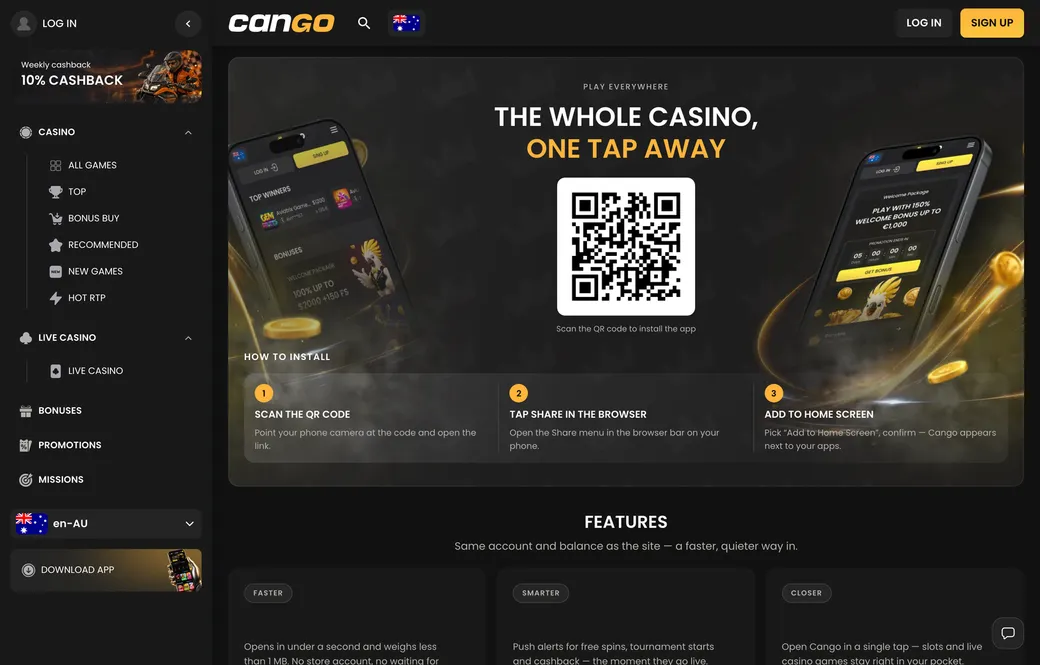
Setting up the Cango app takes under a minute because there is no store download involved. Instead of searching the App Store or Google Play, Australian players install a Progressive Web App straight from the mobile browser. It pins an icon to the home screen, hides the address bar and opens the full lobby and cashier in a standalone window.
| Device | Steps | What you need |
|---|---|---|
| iPhone and iPad | Safari, Share icon, Add to Home Screen, Add | Safari, an internet connection without VPN |
| Android phones and tablets | Chrome or the default browser, three-dot menu, Install app or Add to Home screen | Any modern Android browser, no VPN |
| From a computer | Open the app page and scan the QR code with your phone camera | A phone camera that reads QR codes |
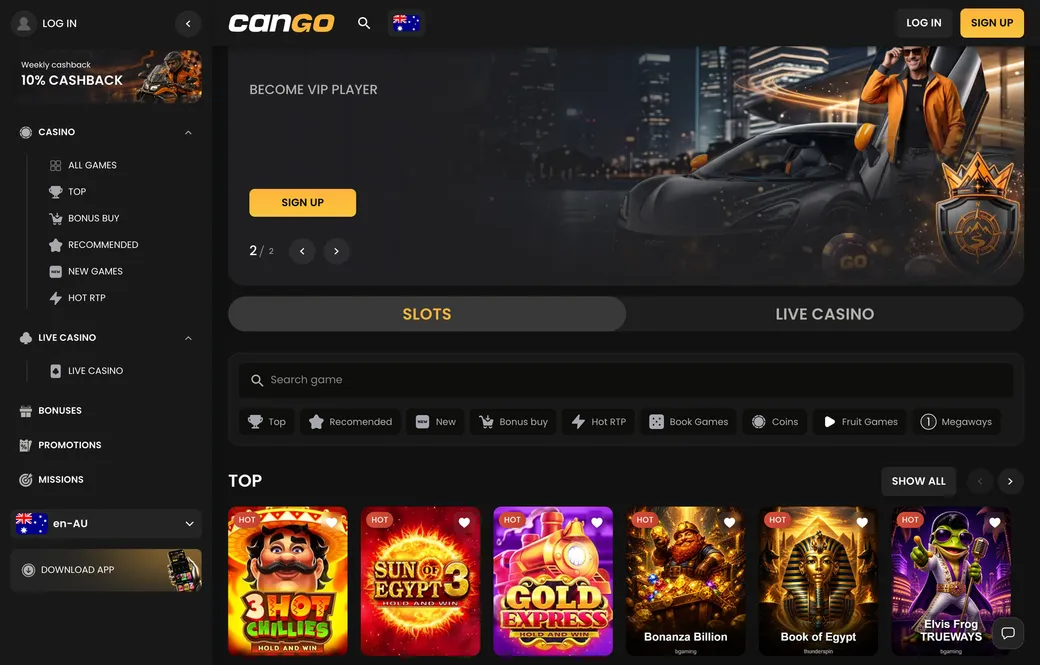
Once the Cango casino app icon is on your home screen, it works like the desktop site. You log in with the same email and password of 8 or more characters, or with Google if your account is linked. Every lobby tab is there, from Top and Hot RTP to Megaways and Live Casino, and Play demo works the same way.
Bonus hunters lose nothing on a phone. The cashier has the promo code field for WP1, which brings the permanent first deposit offer of 150% up to A$1,500 plus 300 free spins from A$45. As an illustration, A$45 with WP1 on your phone gives a A$67.50 bonus, a A$112.50 balance and 30 x A$67.50 = A$2,025 of pokie bets within the usual 7 days. The Sunday reload of 50% up to A$150 and the 10% weekly cashback work the same on mobile.
The Download iOS and Download Android buttons on the casino site lead to this same installation, not to a store page. If a site offers you an APK file or a store listing under the Cango name, it is not the casino’s app.
Cango app: iPhone install
On iPhone or iPad, install the Cango app from Safari, since iOS allows home screen web apps from Safari. Open the casino in Safari, or scan the QR code on the app page from a computer. When the lobby loads, tap the Share button at the bottom, the square with an arrow pointing up.
In the sheet that slides up, scroll to Add to Home Screen, tap it, check the name and tap Add in the top right corner. The icon appears on your home screen next to your other apps, uses almost no storage and never asks for an Apple ID password.
The icon opens the casino full screen without Safari bars. From there you can collect the welcome spins: 100 on day 1 in Bonanza Billion, 100 on day 2 in Thunder Coins XXL and 100 on day 3 in 3 Super Hot Chillies, each batch usually valid for 24 hours at about A$0.20 a spin. When Sumsub verification comes up before your first cashout, the iPhone camera works inside the app window for the photo ID, the proof of address and the selfie.
If Add to Home Screen does not appear in the Share sheet, scroll the list of actions to the end and tap Edit Actions to add it, or make sure you opened the page in Safari rather than in another app’s built-in browser. Removing the app later works like any other icon: press and hold, then Remove App.